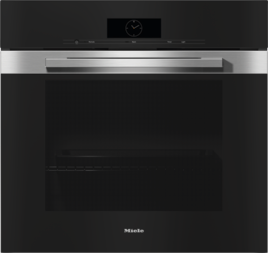
You can connect multiple kitchen appliances, including conventional ovens and combination steam ovens, to your WiFi network. You can use the network to synchronise the finish time for the cooking processes. This time can be synchronised via the display or via the Miele app.
Set a cooking duration in the display of the conventional oven.
Select Synchronise end of cooking duration.
A list of the available kitchen appliances is displayed.
If there are multiple kitchen appliances with a set cooking duration in your network, the display will show the appliances with the latest finish time or the longest cooking duration.
Select the required kitchen appliance.
Synchronise end of cooking duration is highlighted.
Confirm with OK.
End of cooking duration successfully synchronised appears on the display. The start time of the kitchen appliances will be adjusted to ensure that the cooking processes end at the same time.


